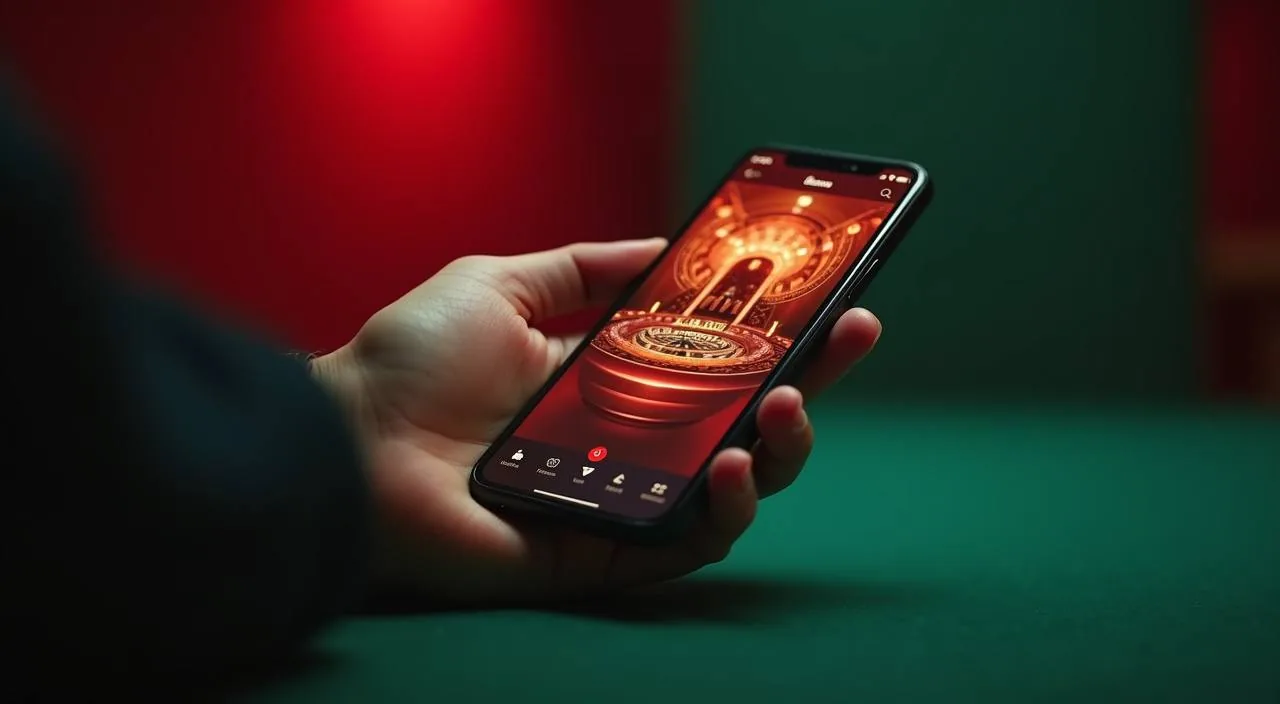
555us on Your Device — Browser Access for Bangladesh
The 555us lobby loads through your mobile browser — no store download required to browse live tables, slots or the sportsbook. Check the current site at 555us for any native app availability, as published device guidance is updated directly there.
When you open 555us on a mobile browser, the layout adjusts to your screen size automatically. Navigation sits at the bottom of the page, so switching between the live casino, slots lobby and sportsbook takes one tap. Your account page — including your wallet balance, deposit routes and transaction record — is accessible through the same browser session. Game discovery works through category filters: you can sort by live tables, crash games or slot rooms without needing a separate app. The help section, published terms and account recovery links all load in the mobile view.
BROWSER FEATURES
Mobile Access Features on 555us
The 555us mobile browser experience is built around the game catalog and your account flow. These four areas describe what the responsive layout delivers on a supported mobile device today.
Responsive Navigation
The 555us page layout scales to phone and tablet screens. Category tabs for live casino, slots and sportsbook stay fixed at the bottom of the screen, so you can switch game types without scrolling back to the top or losing your place in the lobby.
Account Wallet Access
Your account wallet — showing balance, Nagad or Bank Transfer deposit records and withdrawal history — opens inside the same browser session. No separate app login is needed; the session carries over as long as you stay on 555us.
Game Discovery by Category
Filter the lobby by live tables, crash games, slot rooms or the sportsbook directly from your phone. Titles such as Dragon Tiger Fast Table and Crash Smoke load in the mobile browser without requiring a plug-in or a separate client install.
Help and Account Recovery
The published help section, account recovery flow and terms pages all render in the mobile browser. If you lose access to your account on a device, follow the recovery link shown on the login screen — no desktop visit is needed to start that process.
ACCESS STEPS
Mobile Access in 3 Steps
Getting into the 555us lobby from a phone is straightforward. Start by opening your mobile browser — Chrome or the browser built into your device both work — and typing 555us into the address bar. Bookmark the page so you return to the right address each time; this also protects you from lookalike addresses. Once the page loads, check that the URL in the address bar still reads 555us before you enter any account details. Then sign in with your registered email and password. Your wallet, game lobby and account settings are all available from that point without any additional install step.
Step 1 — Open the site
Type 555us into your mobile browser and verify the address matches before doing anything else.
Step 2 — Add to home screen
Use your browser's share or options menu to add a home screen shortcut. This skips the address bar step next time.
Step 3 — Sign in securely
Enter your registered credentials on the login page. Your account wallet and game lobby load immediately after authentication.
DEVICE CHECKLIST
Browser Compatibility and Device Requirements
Before accessing 555us on mobile, run through these checklist points to confirm your device and browser are ready. Supported configurations are described in the published device guidance at 555us.
Browser version
Use a current version of Chrome, Firefox or your device's default browser. Older browser builds may not render the game lobby or account pages correctly. Update via your device's app store or system settings if pages appear broken.
Screen layout
The 555us responsive layout is designed for standard smartphone portrait and landscape orientations. Tablets also render the full lobby. Very small or unusually narrow screens may clip some navigation elements — check the published compatibility note on the site.
Account requirements
A registered 555us account is needed to access the wallet and place activity in the lobby. Account creation follows the steps shown on the registration page — have your Nagad or Bank Transfer details available for the wallet setup stage.
Domain check
Always confirm you are on 555us before entering your password. The correct domain is published in the site header and footer. Do not proceed if the address bar shows any variation of that domain.
Network connection
A stable mobile data or Wi-Fi connection is needed for live table games and crash game rounds. Slot titles may tolerate a slower connection, but live dealer tables require consistent data throughput to keep the video feed steady.
MOBILE HELP ROUTES
Getting Help When Accessing on Mobile
If you run into an issue with the 555us mobile browser experience, these are the support paths published on the site. We keep help access consistent across devices so you are never stuck waiting for a desktop to resolve an account question.
On-site help section
The help section at 555us covers account access, wallet management and game lobby navigation. It loads fully in mobile browsers. Use the search field inside the help section to find answers to specific access or account questions without contacting support directly.
Live chat on mobile
The live chat widget published on the 555us site is accessible from the mobile browser view. Open the chat icon from the bottom of any page to connect with the support team. Response handling follows the hours and routing shown on the contact page.
Account recovery path
If you cannot sign in from your phone, use the account recovery link on the login page. It will guide you through the steps shown in your registered email. No desktop is required — the full recovery flow works in a mobile browser session.
STAYING SECURE
Mobile Access Trust Checks for 555us
Accessing your account on a mobile browser carries the same security responsibilities as desktop. These four checks help you confirm you are on the right site and protect your wallet and credentials throughout your session.
Verify the domain
Before entering your password, confirm the address bar reads 555us exactly. The 555us brand home is that one domain. If you reach the login page through a link in a message, re-check the address bar before submitting any credentials.
Review published device guidance
The device guidance page on 555us describes currently supported browser types and known display issues. Check it if a game lobby or account page renders incorrectly — the guidance there is updated when access changes are confirmed.
Protect your credentials
Use a unique password for your 555us account. Avoid saving it in shared devices or browsers used by others. If you suspect your login has been compromised, use the published account recovery path immediately and update your password from a secure device.
Use the published recovery path
The account recovery steps on the login page are the only confirmed route for regaining access. Do not follow third-party instructions claiming to restore your account; go directly to 555us and use the recovery link shown there.
APP QUESTIONS
Questions About the 555us App
These are the questions we hear most often about accessing 555us on a mobile device. Each answer reflects what is currently published on the site — check 555us for any updates to app availability or device guidance.
Is there a 555us app I can download from the Play Store or App Store?
A native app listing has not been confirmed on the 555us site at this time. The published access route is the mobile browser at 555us. If a store-listed app becomes available, the site will carry the details in the account or download section.
Does the 555us mobile browser version have the full lobby?
Yes. The responsive site at 555us loads the live casino, slots, crash games and sportsbook in the mobile browser. Category filters, your account wallet and the help section all function through the same browser session without a separate client.
Can I deposit using Nagad or Bank Transfer from my phone?
Your account wallet is accessible from the mobile browser session. Nagad and Bank Transfer appear as deposit routes in the wallet section. Follow the fields and verification steps shown there; the process does not require switching to a desktop device.
How do I get a home screen shortcut for the 555us site?
Open 555us in your mobile browser, then use the browser's share or options menu and select 'Add to Home Screen'. This places a launch icon on your phone without an app store step and takes you directly to the site each time you tap it.
What should I do if the 555us lobby does not load correctly on my phone?
First check that your browser is up to date, then clear the browser cache and reload 555us. If the issue continues, review the published device compatibility note on the site. The live chat widget on the page is also available from mobile for direct help.
Is it safe to sign in to my 555us account through a mobile browser?
Signing in through the mobile browser is the published access method for 555us. Always confirm the address bar shows 555us before entering credentials. Use a unique password and avoid shared devices. Follow the published recovery path if you ever suspect unauthorised account access.
 Live / App